Overview
🧪 Client prototype (2025) — developed for a client; currently on hold pending the client’s roadmap.
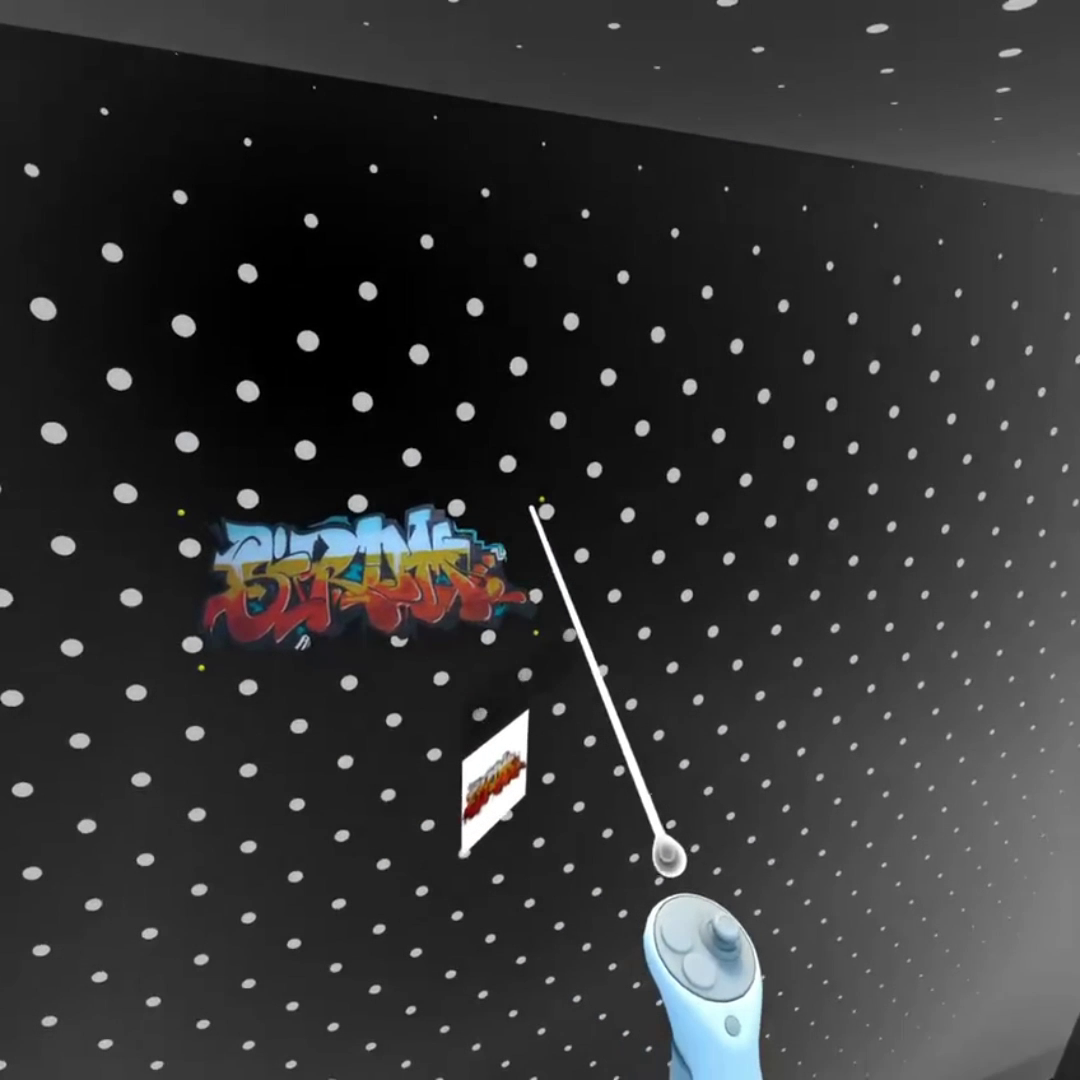
A mixed-reality professional tool for Meta Quest, built in Unity with OpenXR: users browse immersive content galleries, manage color palettes and edit visual content directly in the headset, using hand tracking or controllers. Developed end-to-end as lead developer, from interaction design to the companion web integration.
Demo Video
Technologies Used
- Unity 6 (URP)
- Meta Quest — Mixed Reality (passthrough)
- OpenXR + Meta OpenXR
- XR Interaction Toolkit
- XR Hands (hand tracking)
- AR Foundation
- DOTween (UI/3D animations)
- Embedded web server integration for remote content
Features
Mixed Reality Interaction
- Passthrough MR: virtual content anchored in the real environment
- Full hand-tracking support alongside controllers
- Hand menus, grabbable panels and 3D animated buttons designed for comfort
Content Management
- Immersive image galleries with spatial navigation
- Color and palette system: browsing, filtering by category, favorites and palette export
- Content synchronized from a web backend
In-Headset Editing
- Direct editing of visual content in VR, with vertex-level manipulation of surfaces
- Save/restore of the workspace state
Architecture & Technical Highlights
- Comfort-first spatial UI: lazy-follow panels that trail the user’s gaze without snapping, hand-anchored menus and grabbable windows — designed for extended headset sessions without fatigue.
- Dual interaction model: every feature works with both hand tracking and controllers, with consistent feedback across the two input modes.
- In-headset editing pipeline: vertex-level manipulation of content surfaces with live preview and outline highlighting, precise enough for professional use in VR.
- Data pipeline: color and palette catalogs loaded from structured data (CSV), with category filtering, favorites, palette comparison and export — including HTML-based report generation.
- Remote content integration: an embedded web server keeps in-headset content synchronized with external sources, with thread-safe dispatching to Unity’s main loop.
- Workspace persistence: user layouts and edits are saved and restored across sessions.
- Animation layer: DOTween-based transitions for panels, 3D buttons and models, tuned to remain comfortable in immersive viewing.
Role and Contributions
As the sole developer, I designed and built the entire prototype: MR/XR interaction layer (hands + controllers), UI/UX for headset use, content and palette systems, in-headset editing tools and web integration.